Google Play Store PC
Google Play is Google's digital distribution platform. On Windows, Google offers Play content through the browser and Google Play Games on PC.
52.9 MB

BlueStacks is an Android emulator for Windows that lets you run Android apps and games on your PC.
Average 0.0 · ratings: 0
Thank you! Your rating is saved; you can change it. Could not save the rating. Please try again later. Too many ratings from your network today. Please try again tomorrow. The average appears after 5 ratings.
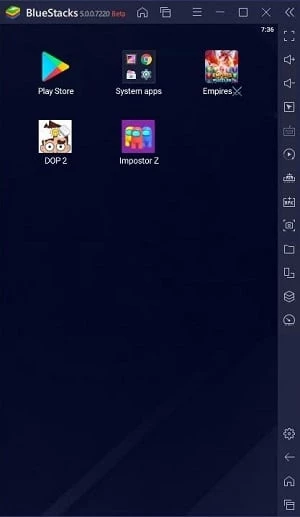
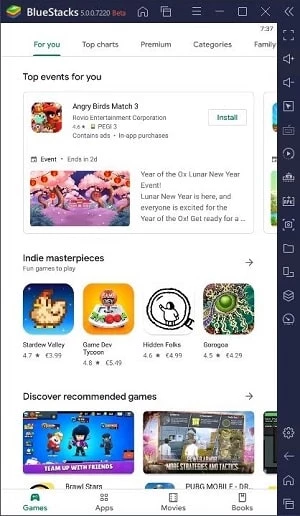
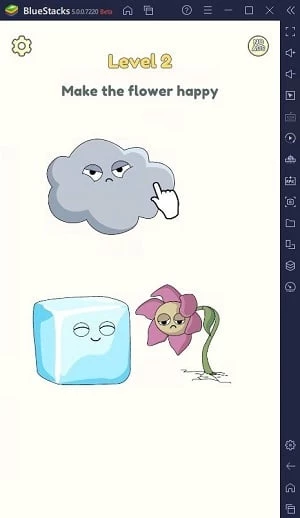
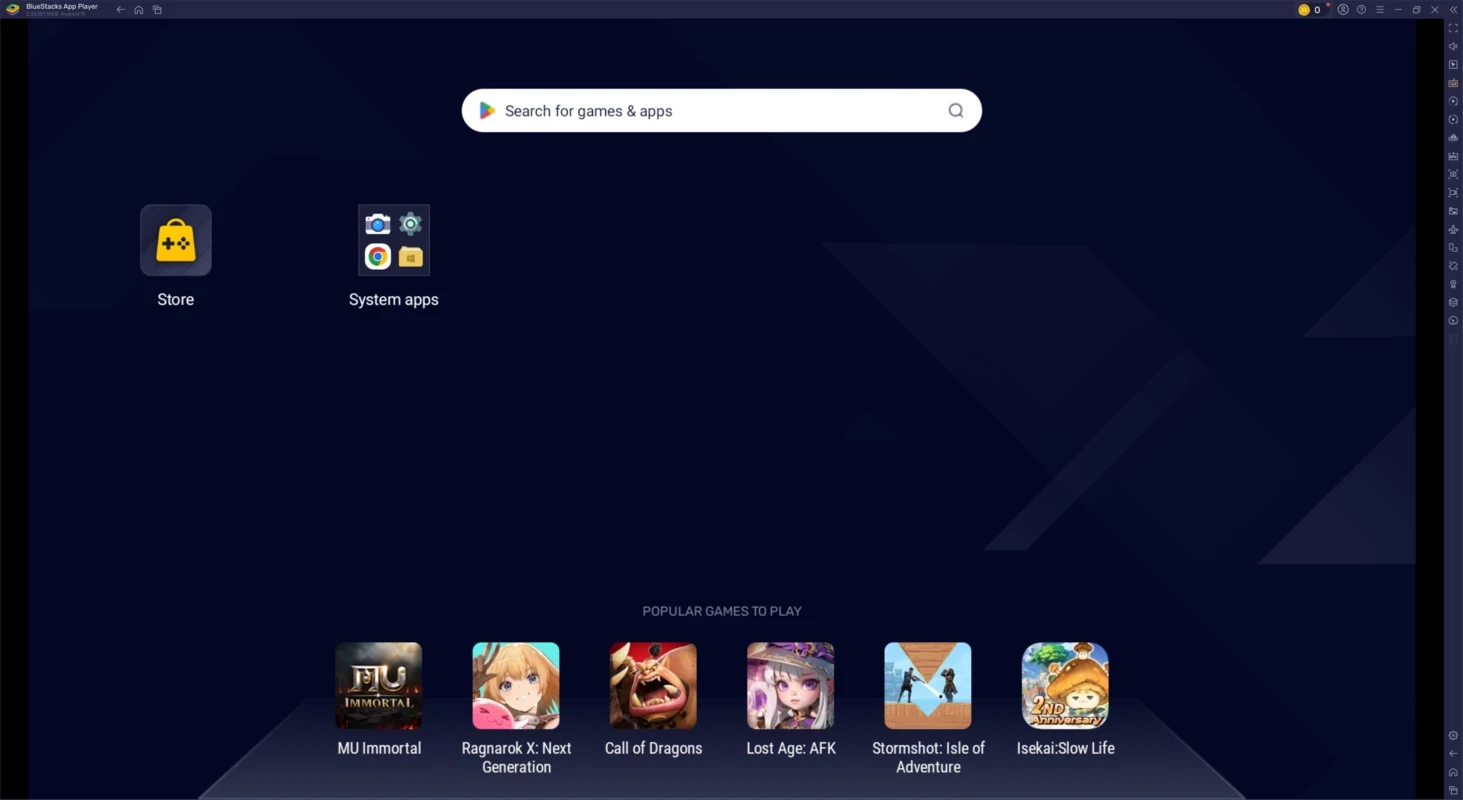
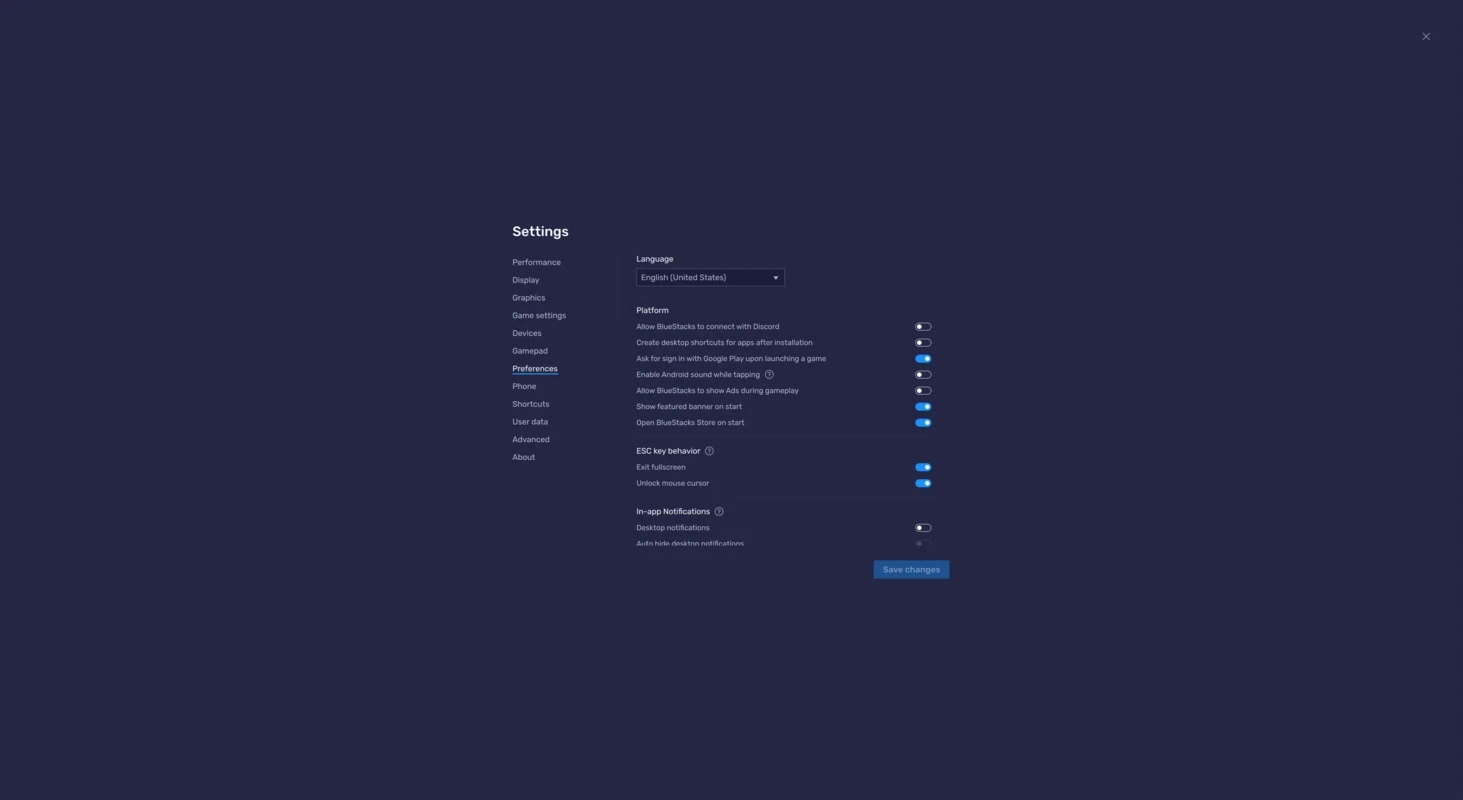
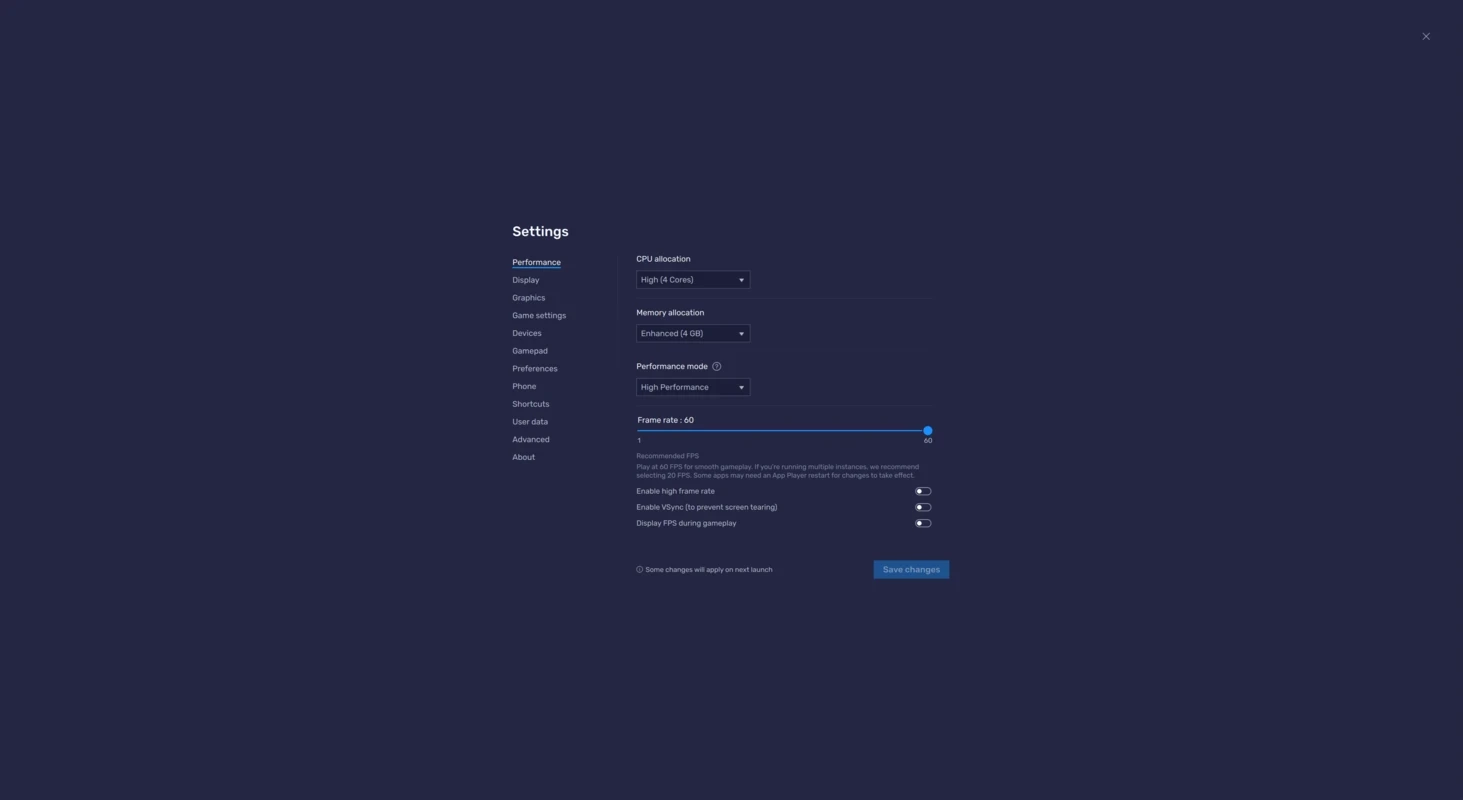
BlueStacks 5.22.262.1001 is an Android emulator for Windows that lets you run Android apps and games on a PC. It creates a virtual Android device on your computer, so you can play mobile games with a keyboard and mouse or use phone-only apps on a big screen; you can download BlueStacks from the official website.
| Item | Minimum | Recommended |
|---|---|---|
| Windows | Windows 7 and above | Windows 10 and above |
| Processor | Intel or AMD | Intel or AMD multi-core, single-thread benchmark score above 1000 |
| Graphics | any | Intel, NVIDIA or ATI, benchmark score of 750 or more |
| Memory | 4 GB RAM | 8 GB RAM or more |
| Storage | 5 GB free disk space | 5 GB free disk space |
On Windows 7 or Windows 8 you can use BlueStacks versions 5.21.300 and below; the current version needs Windows 10 or above, according to the BlueStacks requirements page. BlueStacks also notes that free disk space is not a substitute for RAM.
| Item | Details |
|---|---|
| Version | 5.22.262.1001 |
| Developer | BlueStacks |
| First released | 2009 |
| Systems | Windows, macOS |
| Installer size | about 931.70 KB according to catalogue data |
BlueStacks has been around since 2009 and is popular with gamers who want to play mobile titles on a larger screen with more precise controls. It is also useful for people who rely on an app that exists only for phones, for developers and testers who want a quick look at an app without picking up a device, and for anyone whose phone is too old or too full for a demanding game. An emulator translates Android software for PC hardware, so performance depends heavily on your processor, graphics and memory; the recommended specifications above matter more than the minimum ones if you plan to play demanding games.
Changes in this release line are listed in the BlueStacks 5.22 release notes.
Download BlueStacks only from bluestacks.com. Consider using a separate Google account in the emulator rather than your main one, install apps from Google Play rather than random APK sites, and remember that online games may have rules about playing on emulators.
Our listings include LDPlayer, NoxPlayer and MSI App Player, other Android emulators for Windows, and Google Play Store PC for Google Play Games.
Google Play is Google's digital distribution platform. On Windows, Google offers Play content through the browser and Google Play Games on PC.
Media Creation Tool is a free Microsoft utility that downloads Windows and turns it into a bootable USB flash drive or an ISO file.

LDPlayer is an Android emulator for Windows that runs mobile apps and games on a computer.
Rufus is a free Windows utility that turns a USB stick into a bootable installer. The current version is 4.15.

PC App Store is a free software store for Windows from Baidu for finding, installing and updating PC programs. This page covers version 5.0.1.8682.
FAT32Format is a tiny free Windows tool from Ridgecrop Consultants that formats large disks and USB drives with the FAT32 file system.

Uptodown App Store for Windows is the desktop client of Uptodown, a marketplace for desktop software and mobile apps. This page covers version 1.0.3.
NoxPlayer is a free Android emulator from Bignox for Windows and macOS that runs mobile games and apps on a computer with keyboard and mouse control.